How we built 400+ virtual labs and simulations for secondary schools
Most secondary schools in Cameroon still teach science without a laboratory. For many students, especially those without text books, science appears more like a myth to them. The students who feel this most are in conflict zones, in rural schools, in under-resourced public schools, and in places where electricity and internet drop.
That is why NDAHI wanted to build simulations.
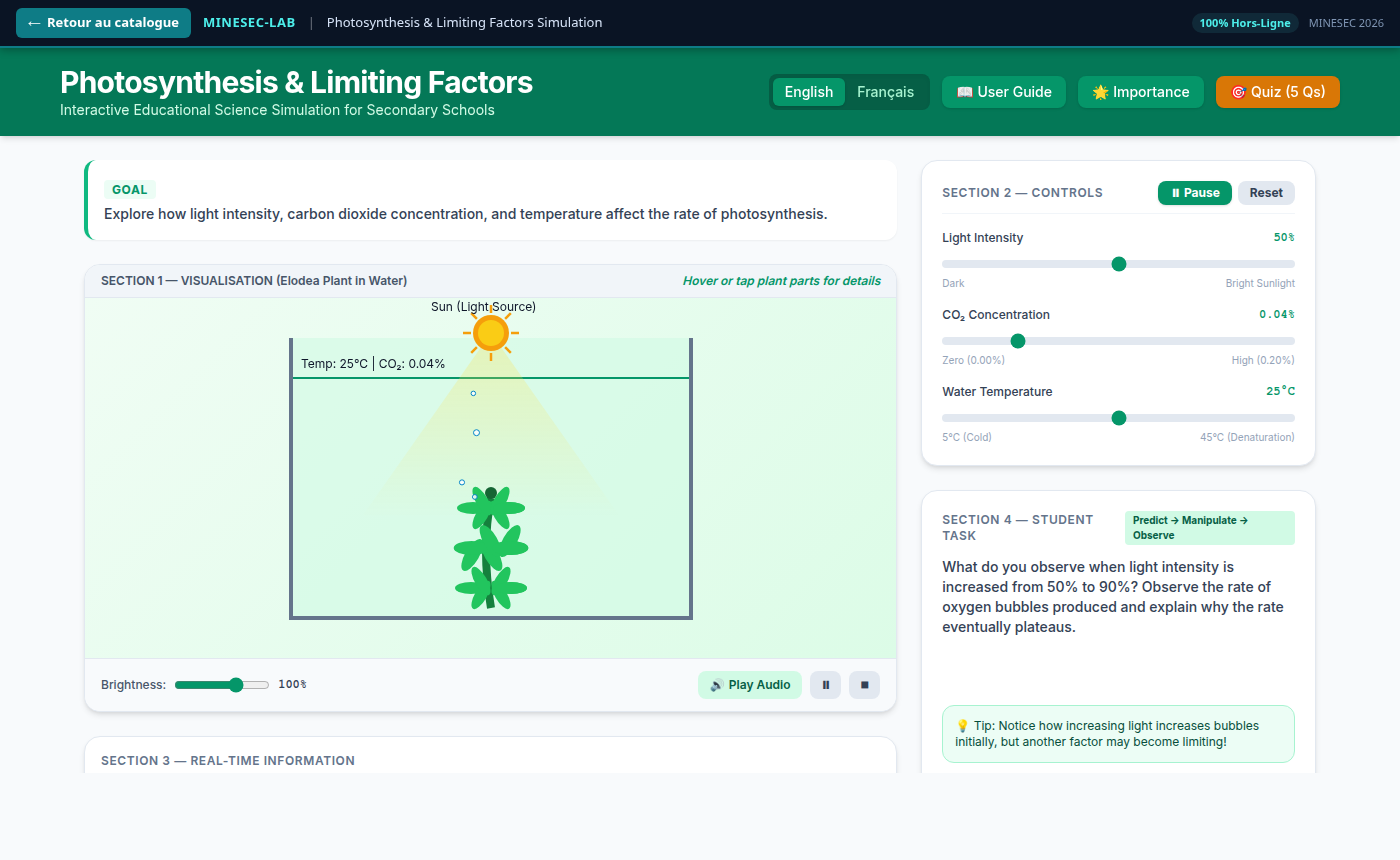
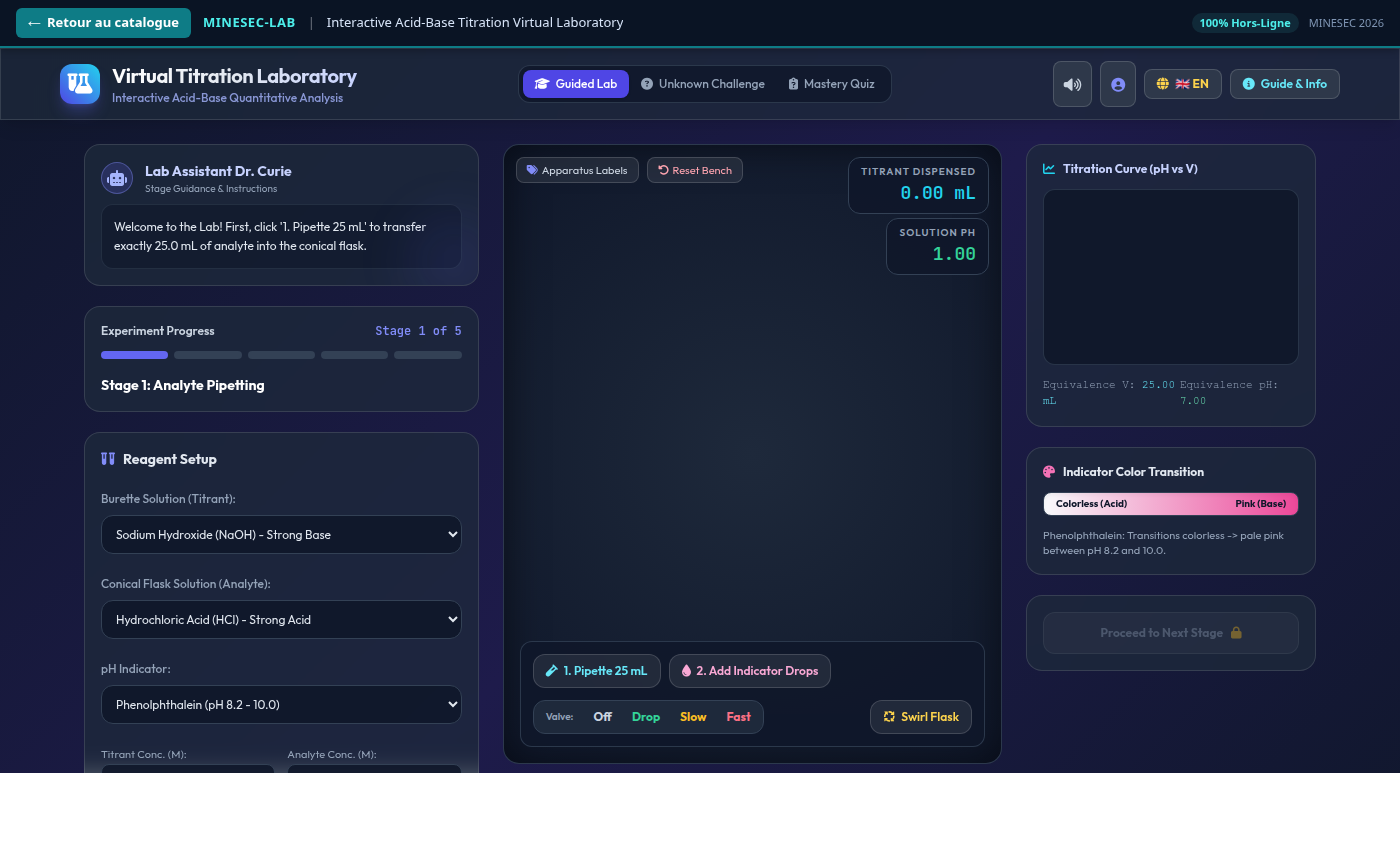
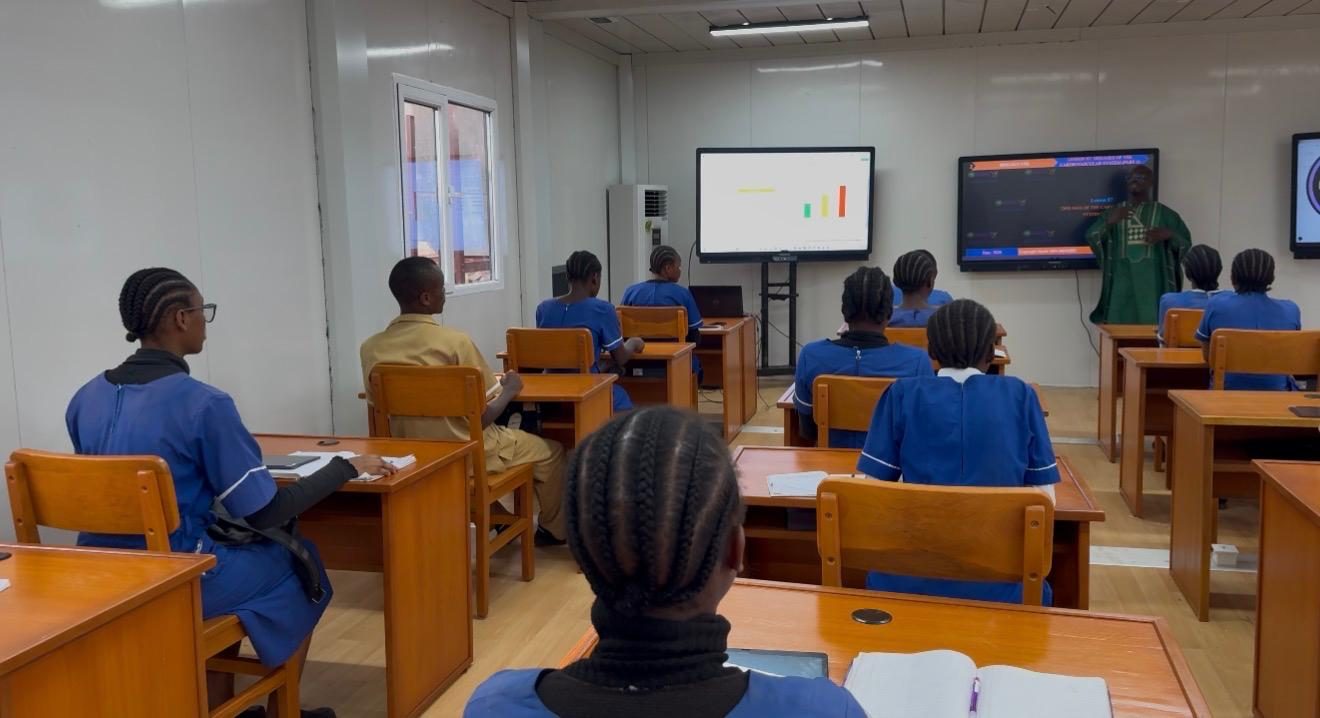
A simulation helps students reconcile abstract concepts with real interactions. The student moves a control, changes a quantity, or takes a step, and see the results instantly. A teacher with one laptop and a projector can run it for a whole class. A student with a phone can open the same page. The practical does not wait on a cupboard of equipment.
What is in the catalogue
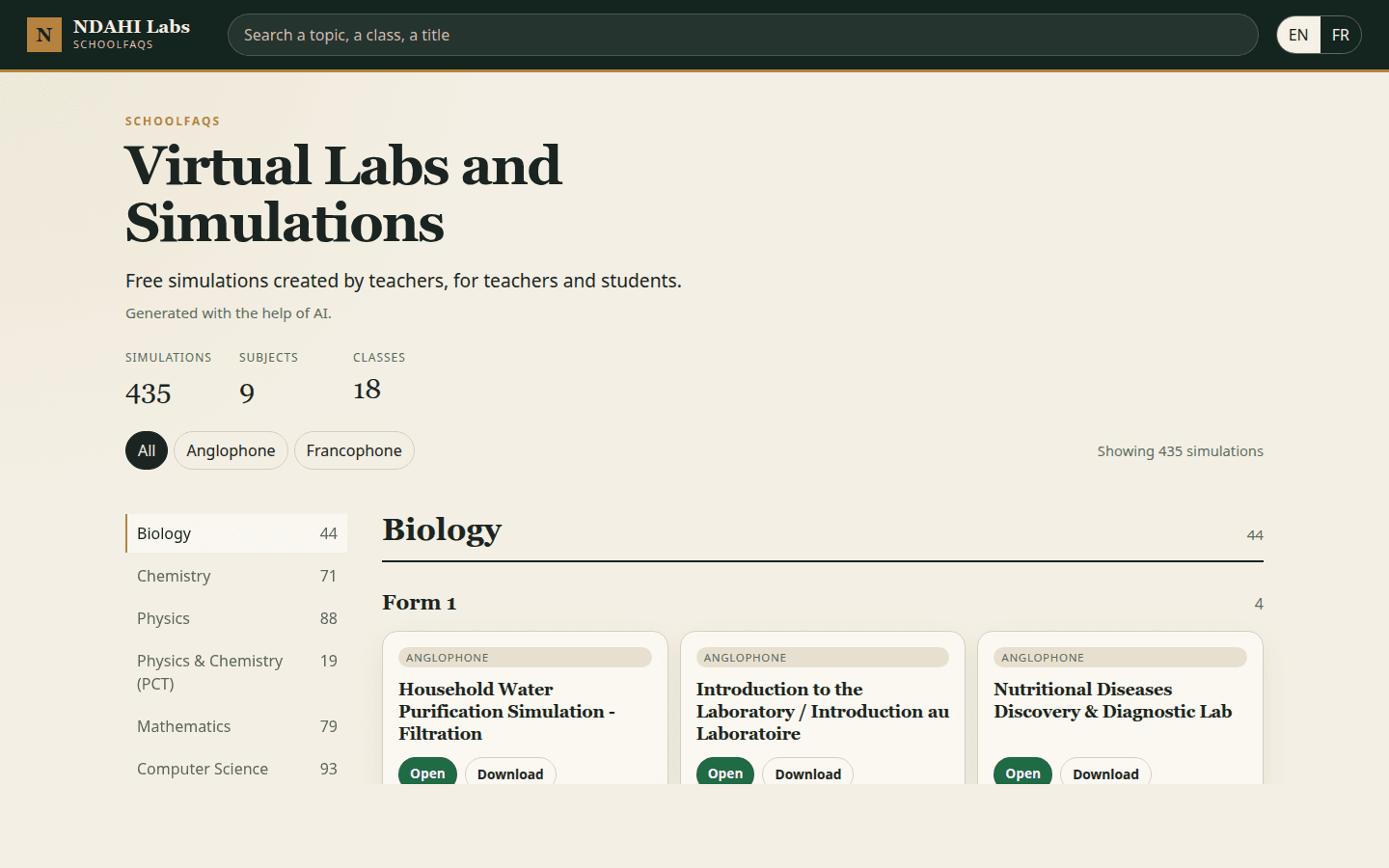
The catalogue is public at simulations.schoolfaqs.net. It is free for everyone, forever and can be downloaded and used completely offline.
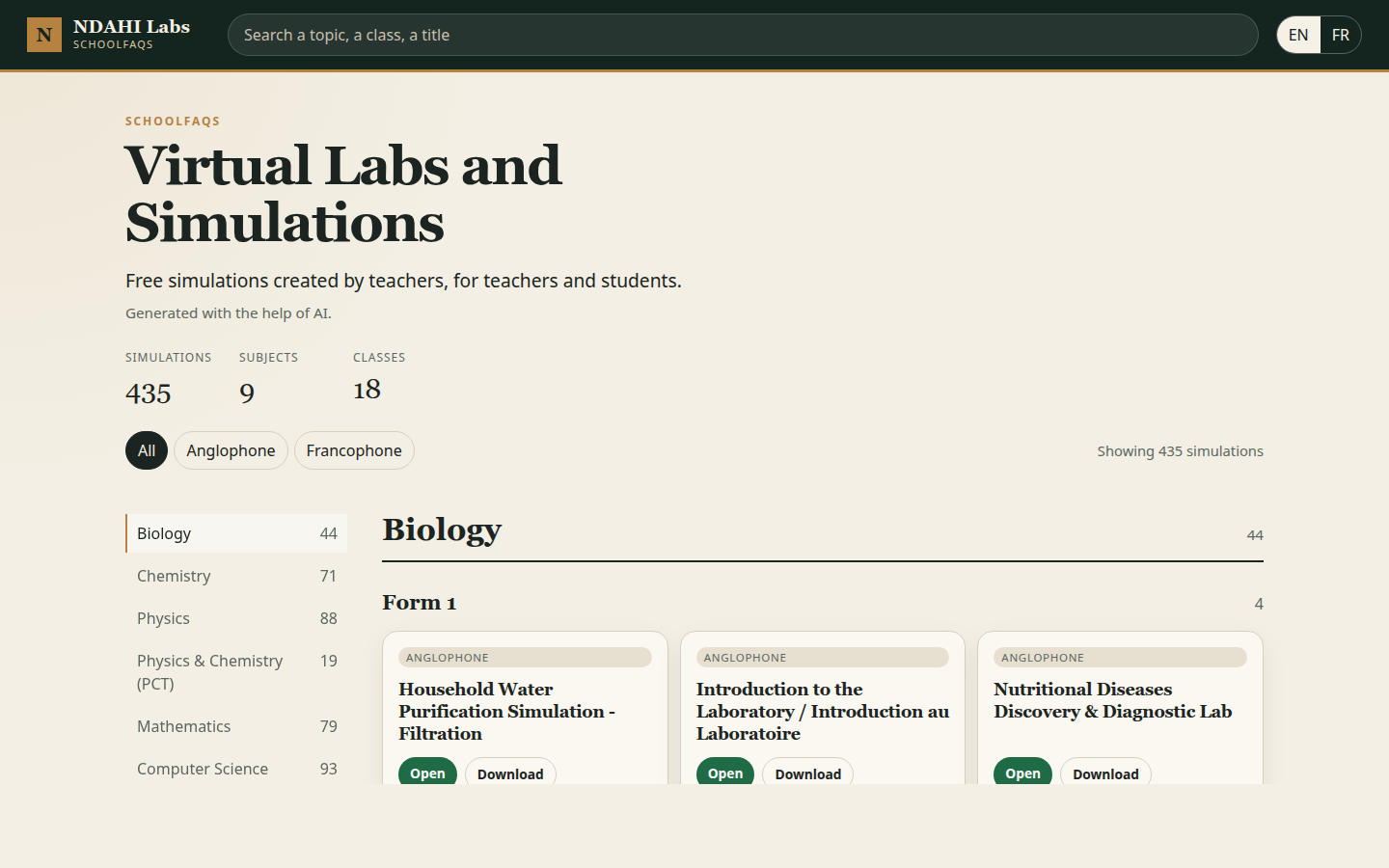
It holds 435 simulations. 375 of them are in the five subjects named for this project: mathematics, chemistry, physics, biology, and computer science. Further pages cover the courses Cameroon teaches beside those five: physique-chimie in the lower secondary years, life and earth sciences (SVTEEHB), and process engineering for the F6 technical stream.
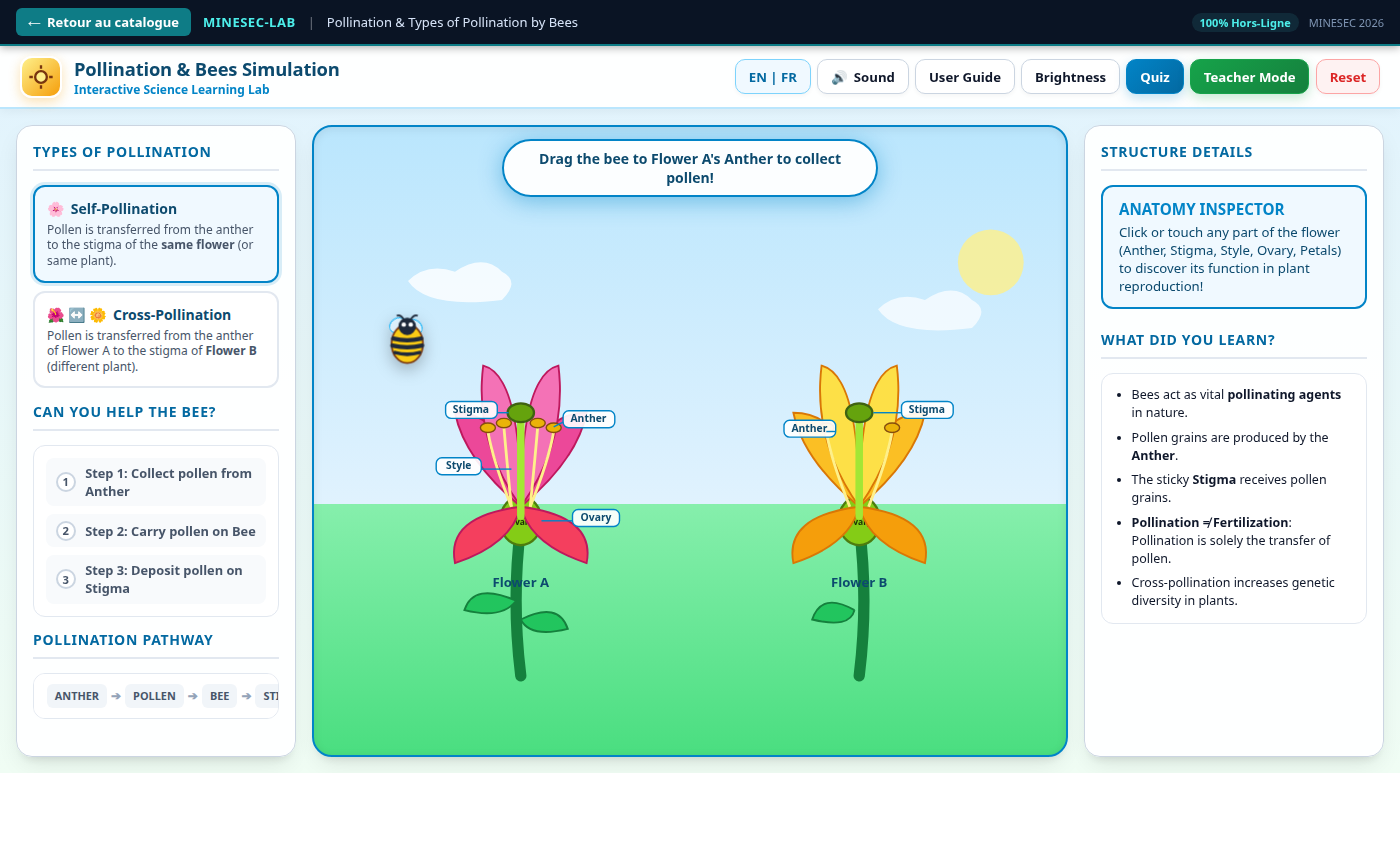
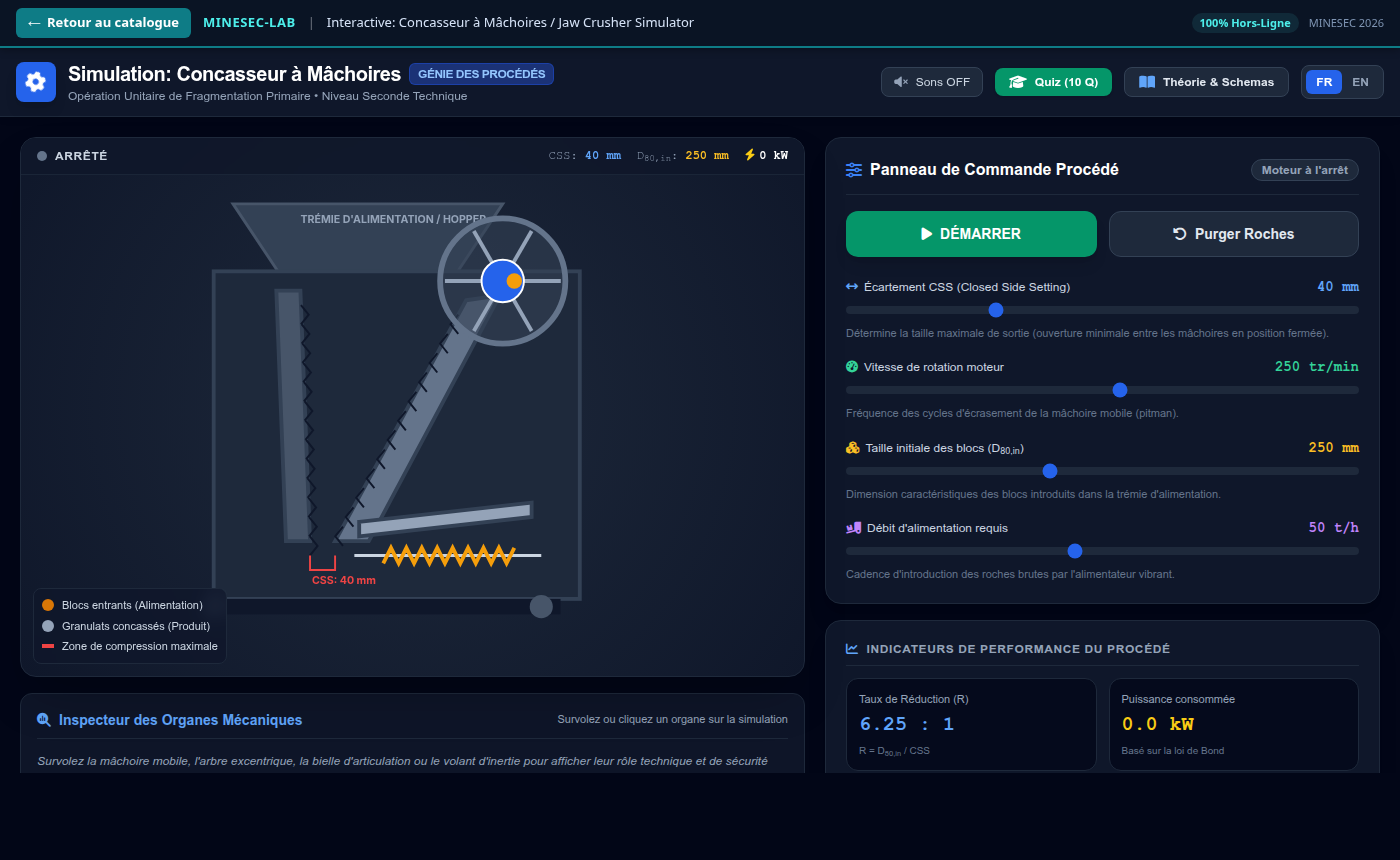
Global Pearls funded the work
Global Pearls funded this project, ensuring that we could train hundreds of teachers to create simulations of their own while building this catalogue.
With the Ministry of Secondary Education
Prof. Nalova Lyonga, Minister of Secondary Education in Cameroon, a visionary and forward-thinking leader enabled this project nationwide. As a result, NDAHI is building this library of simulations with the Ministry of Secondary Education (MINESEC), for the classes its schools actually teach, in both the anglophone and francophone subsystems.
In the training room
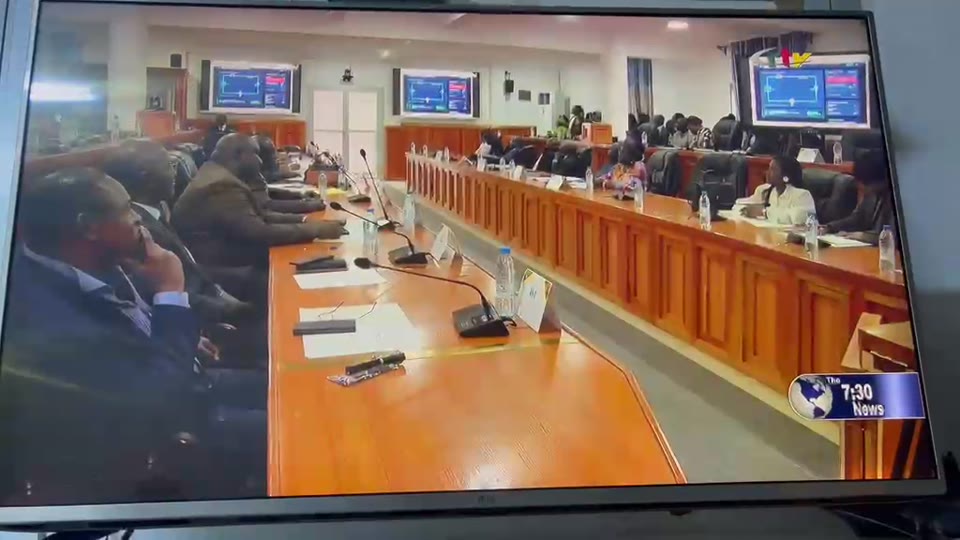
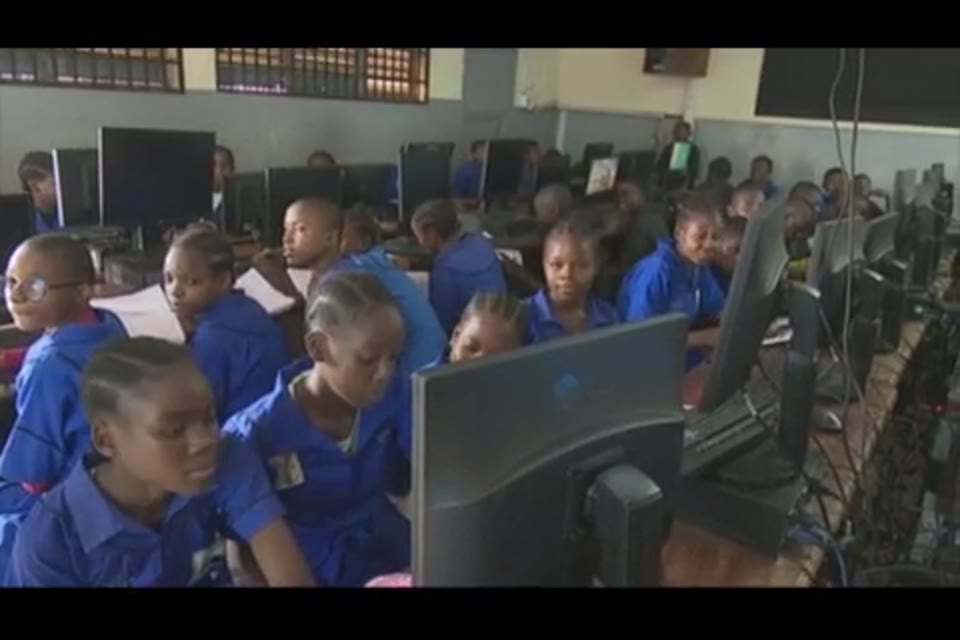
We held several training sessions where Muluh Godson taught teachers and inspectors about what simulations where, how useful they can be in the classroom and most importantly, how to create simulations themselves. Most of these teachers had not used AI before or created any kind of digital content. After the training, the teachers went straight to work, creating all the simulations contained in the final catalogue.
Below are some photos from one of such training that was held.
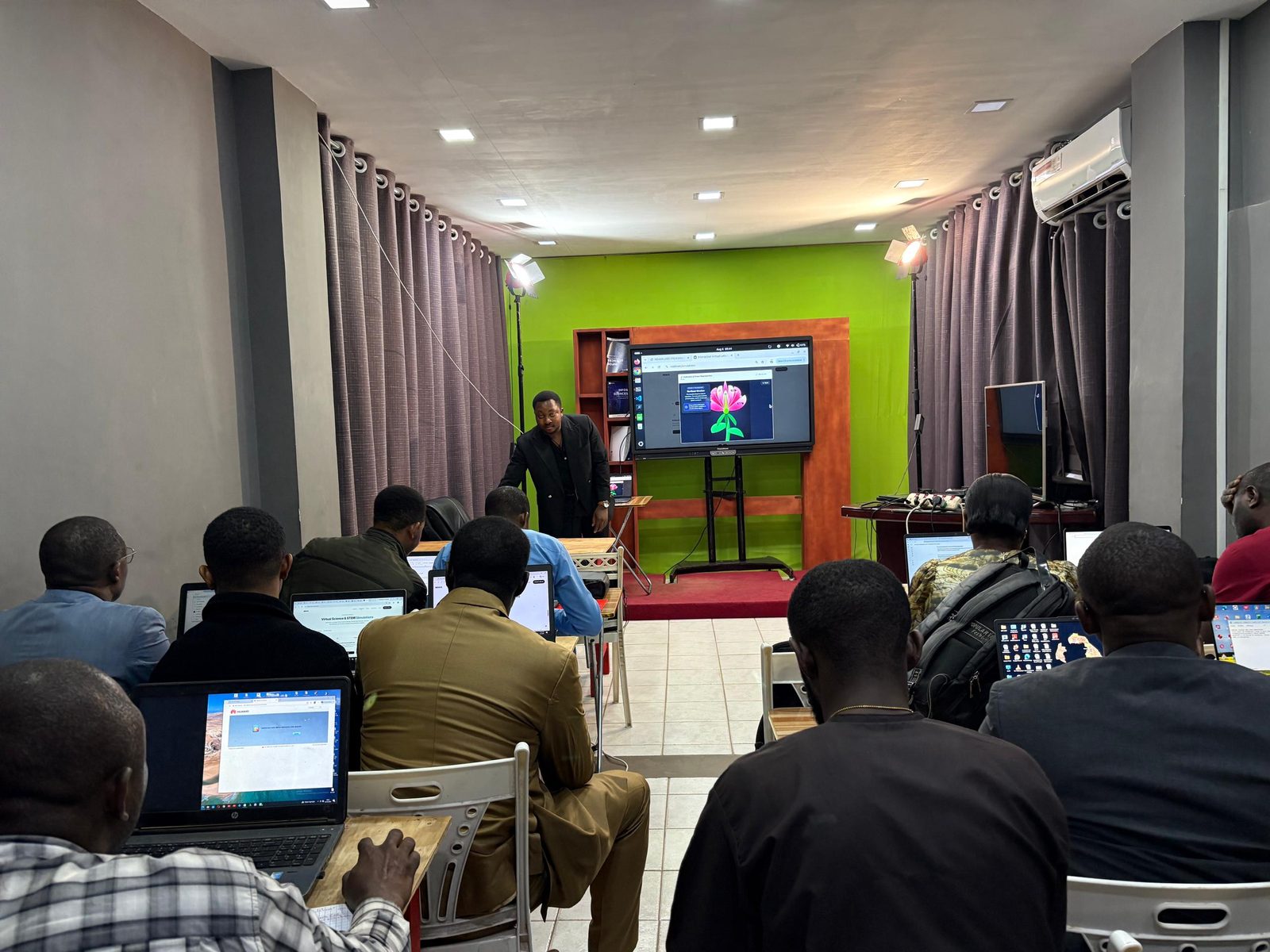
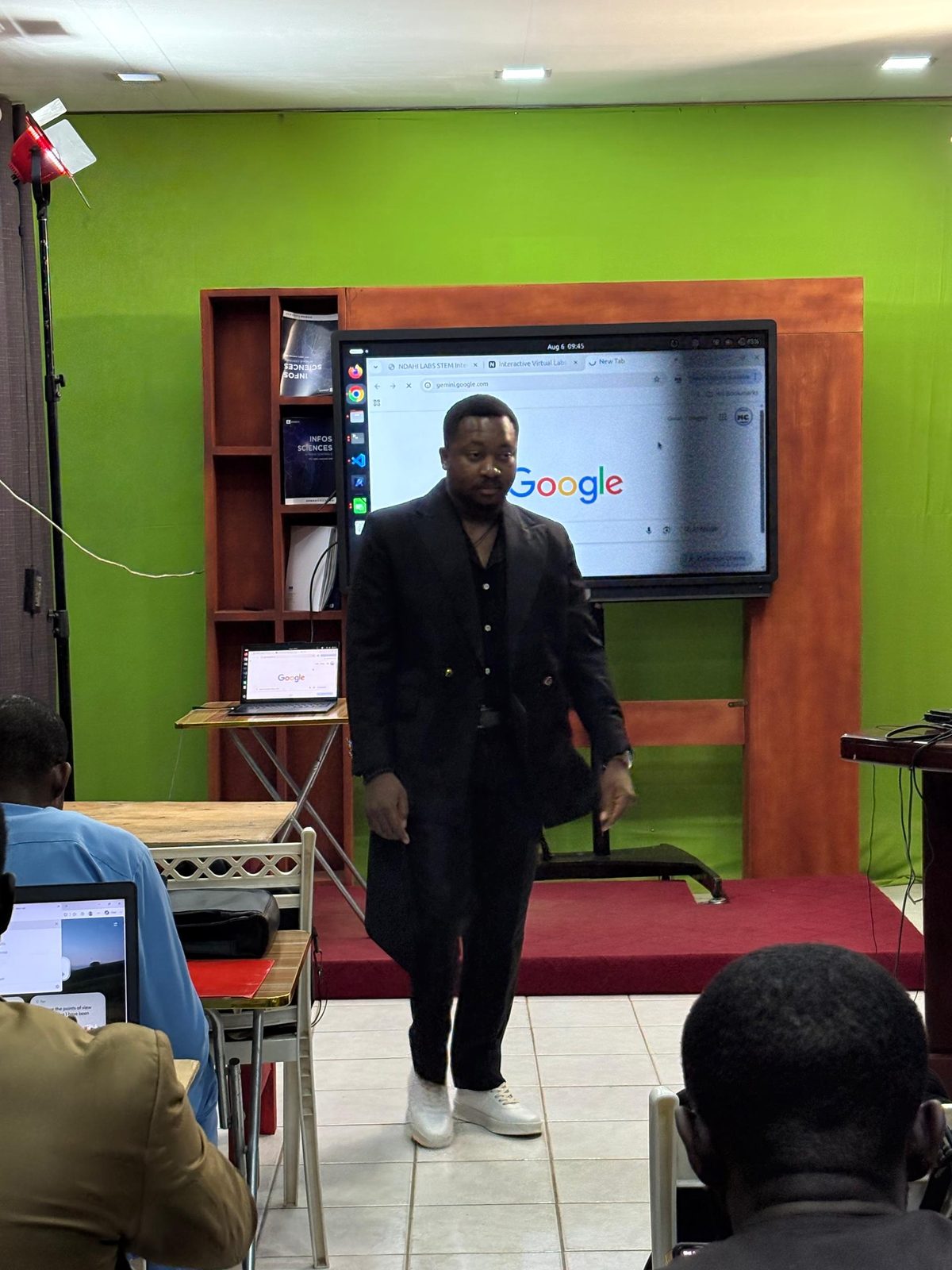
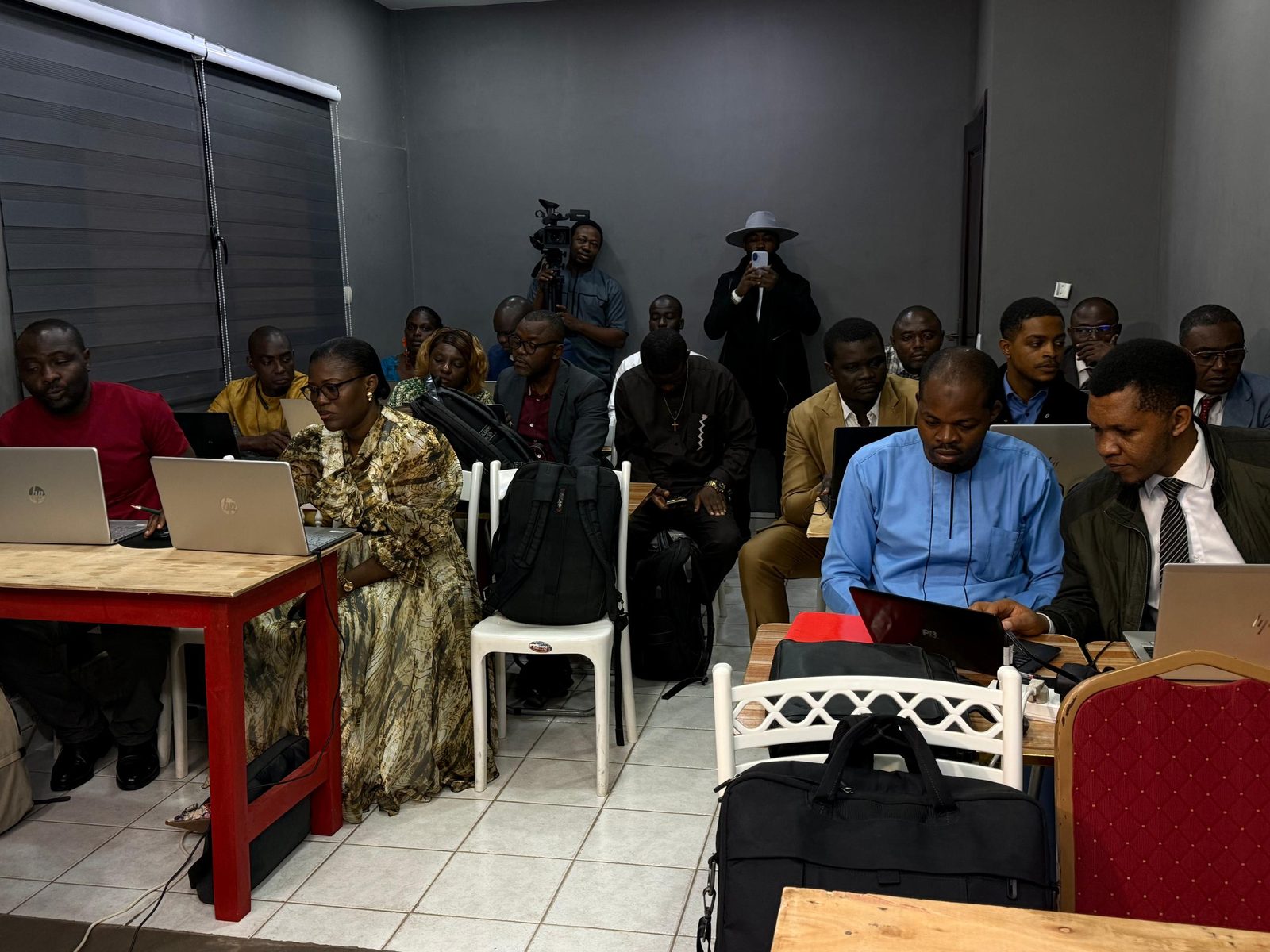
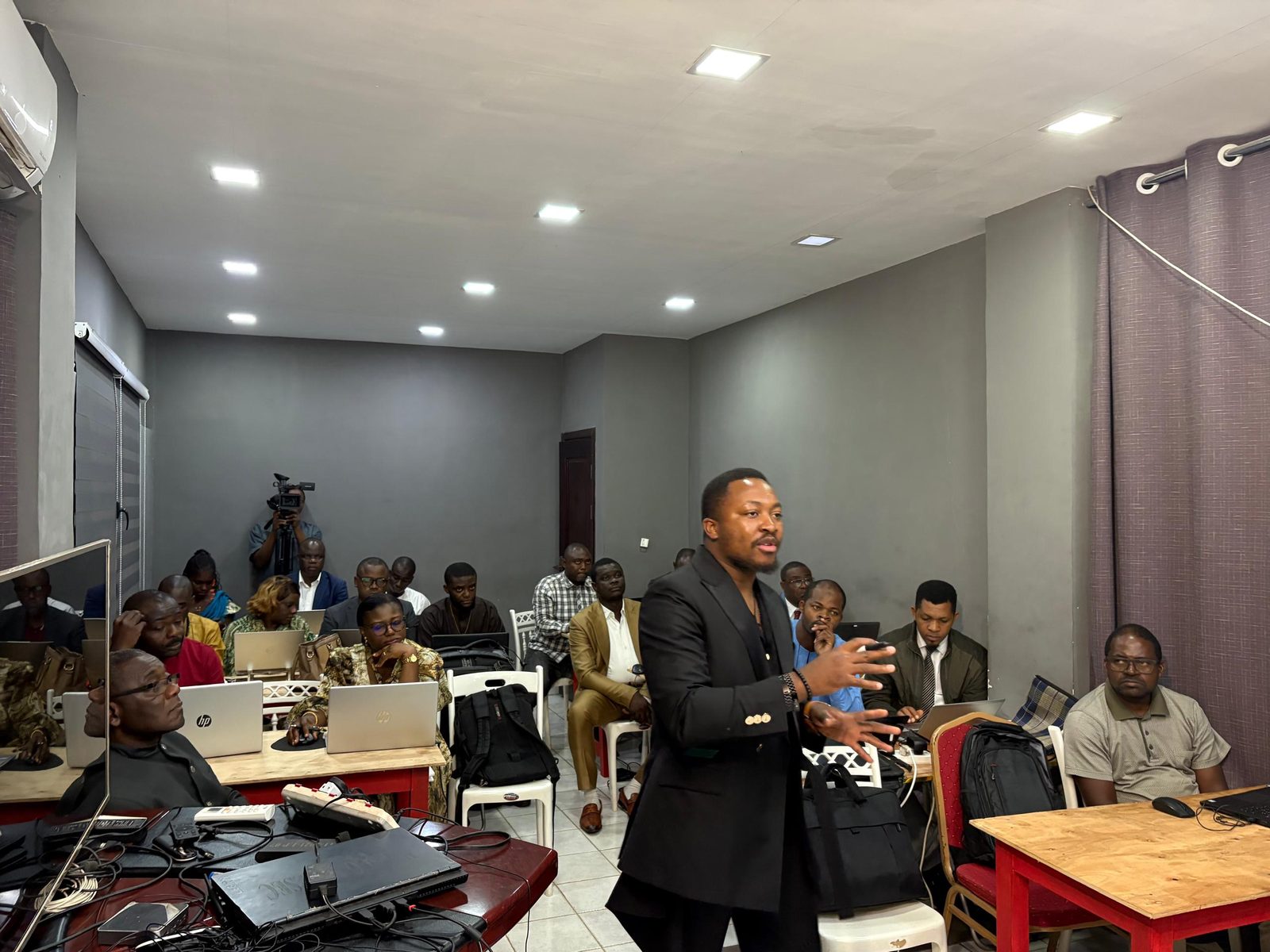
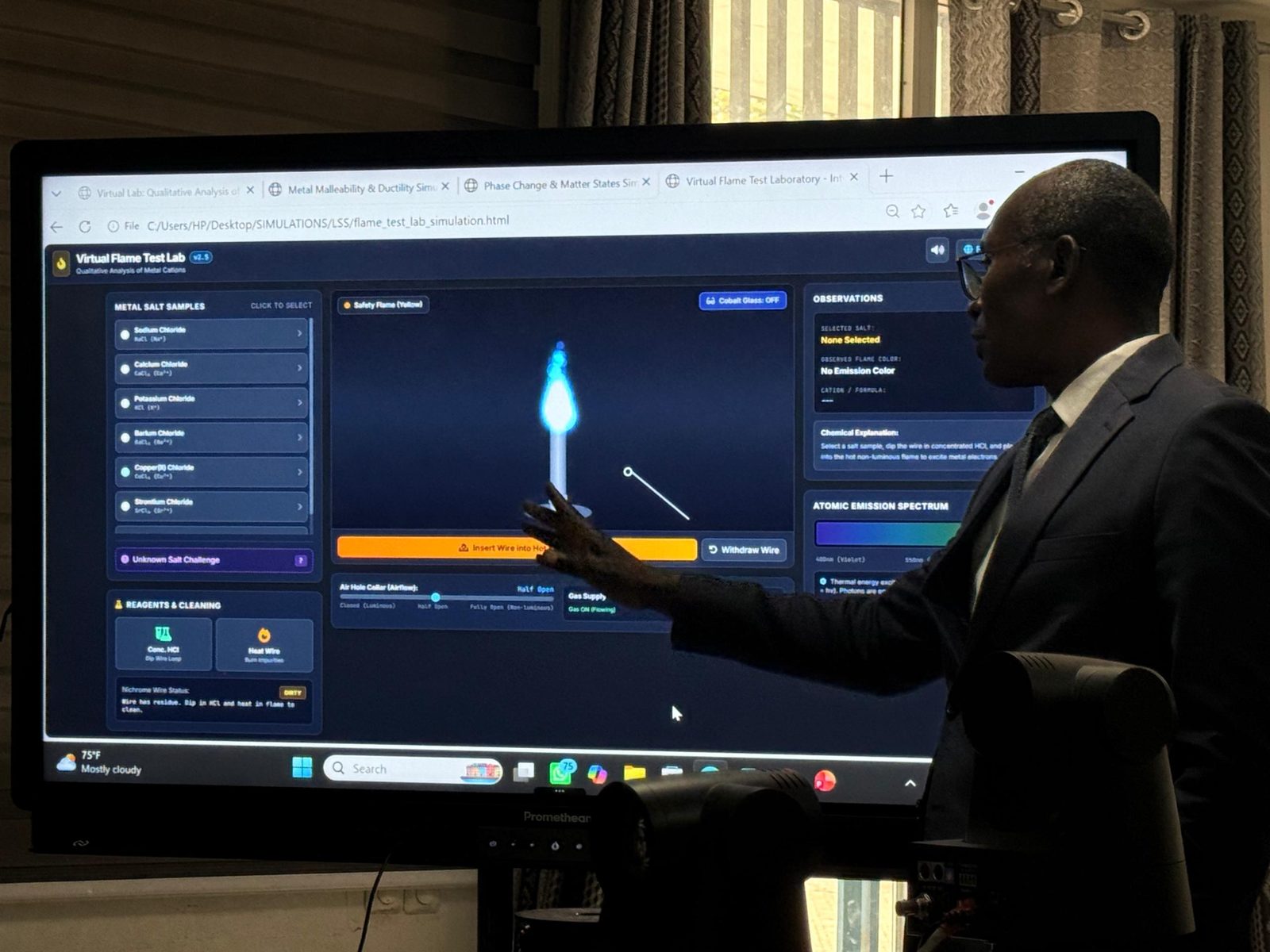
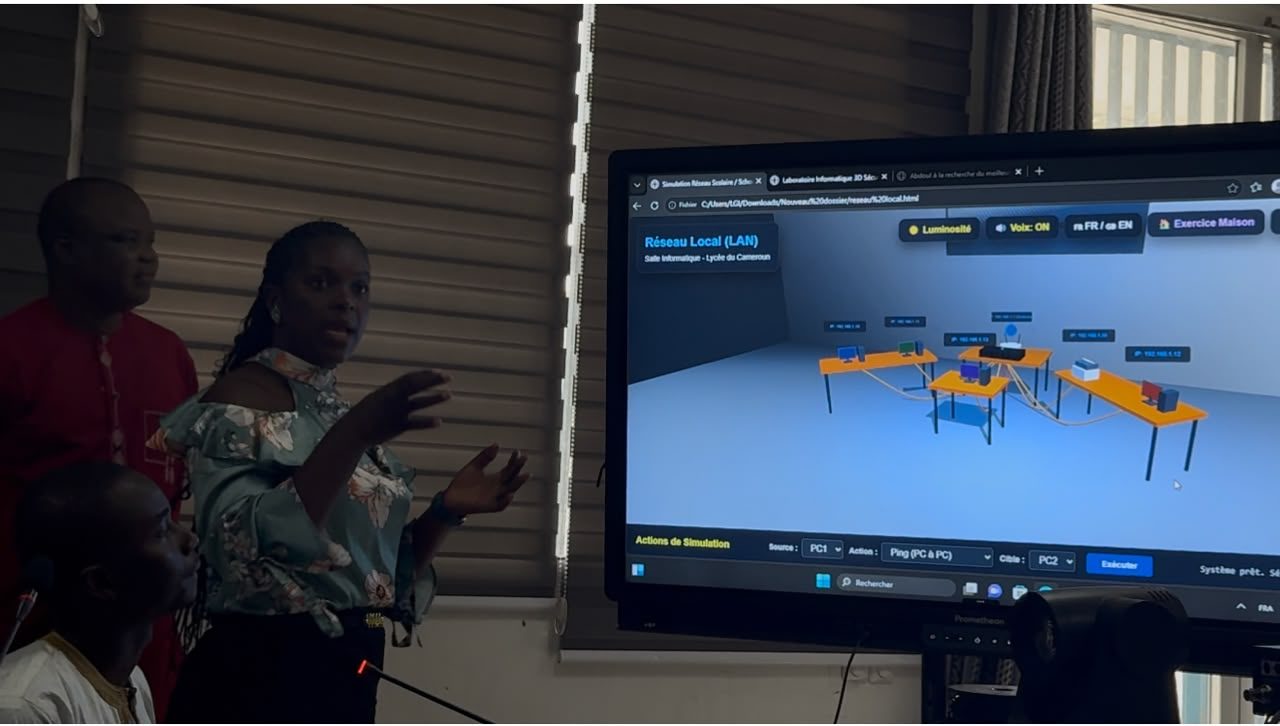
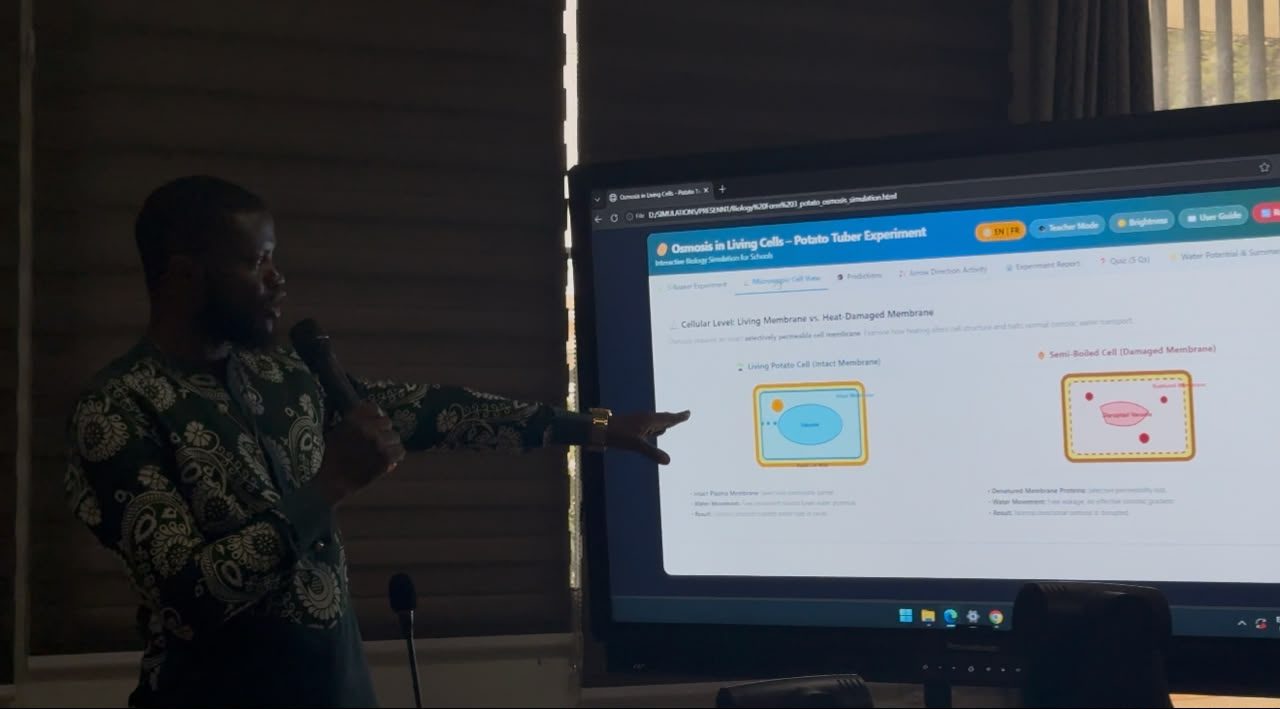
Teachers presenting their Simulations
After the training, a few weeks later, another session was held for the teachers to present the simulations they had created. It was amazing to see the creativity and expertise that went into designing and producing them.
Using AI
Teachers and an AI assistant built the simulations. A teacher describes the lesson: the class, the phenomenon, the controls, and the question the student should be able to answer. The AI drafts the simulation. The teacher opens it, checks the science, the units, and the French and English, and asks for the next change. A slider that does nothing gets fixed. A label that names the wrong equipment gets fixed. The simulation then goes into the catalogue, and the next topic starts.
If you want to start creating simulations, check out our article on the process: How to create interactive educational simulations using AI.
Try one
The catalogue is at https://simulations.schoolfaqs.net/.
Free simulations created by teachers, for teachers and students.